
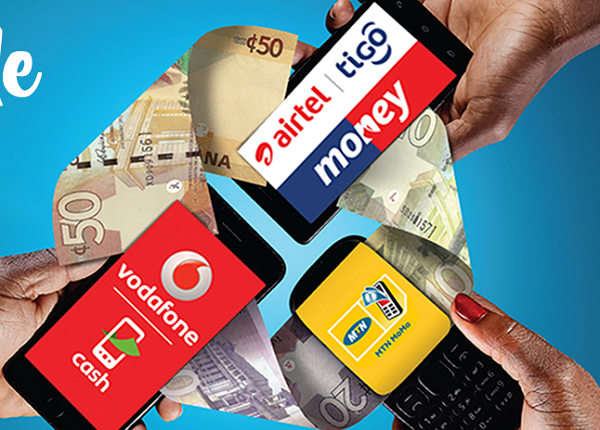
If you run a Mobile Money agent business, you already know the daily ritual: open with a float, take cash-ins and cash-outs and sends all day, and try to reconcile at closing time whether the cash in the drawer and the e-cash balance actually match what they should be. When they don't — and eventually, they don't — figuring out where the gap came from can eat an evening. MoMo Agent mode was built specifically around that problem.
Built around the actual transaction types
Rather than treating Mobile Money as a generic transaction category, the MoMo Agent tool understands the three things an agent actually does: Cash-In, where a customer hands over physical cash and you move e-cash into their account; Cash-Out, the reverse; and Send, where a customer pays you cash plus your commission to transfer e-cash to someone else's number. Each one is recorded with its own fields — network, amount, and where relevant, your fee — so your records match how the transaction actually happened, not a rough approximation of it.
Two modes, depending on how you work
Record Only mode is built for agents who manage their float from a computer — every transaction is logged with no interruption. Record and Prompt mode adds a tap-to-dial button after saving a transaction, for agents working from a smartphone who need to actually dial their network's USSD code to complete the transfer. The app can't feed anything into that USSD menu for you — no app can — but it can copy the number and get you one tap away from dialing it, instead of switching between apps to find the number again.
You can change modes any time from Settings, or with one click directly from the MoMo Agent dashboard itself.
Opening float and end-of-day reconciliation
Every day starts with an opening cash and opening e-cash balance, which — once set — carries forward automatically from the previous day's closing figures. You only need to adjust it manually on the mornings you actually added or withdrew capital. From there, every transaction through the day updates your running cash and e-cash position in real time, so at any point you can see what you should have, not just what you had at the start of the day.
At closing time, the End-of-Day Cash Count feature lets you enter what you actually counted, and it tells you immediately whether it matches, and if not, by how much — over or short — rather than leaving you to do that subtraction by hand at the end of a long day.
Why this beats a general ledger for MoMo work
A generic expense tracker can record that money moved, but it can't tell you what your float *should* be right now, because it doesn't understand the specific mechanics of cash-in versus cash-out versus send, or that a commission is income while the underlying transfer amount is not. MoMo Agent mode was built by understanding that difference, so the numbers it gives you are ones you can actually reconcile against, not just a log of amounts.
Getting started
MoMo Agent is available under Tools in your dashboard. Set your opening balances for today, pick the mode that matches how you work, and start recording — the reconciliation gets easier from the very first day, because the app has been keeping the running total for you all along.