
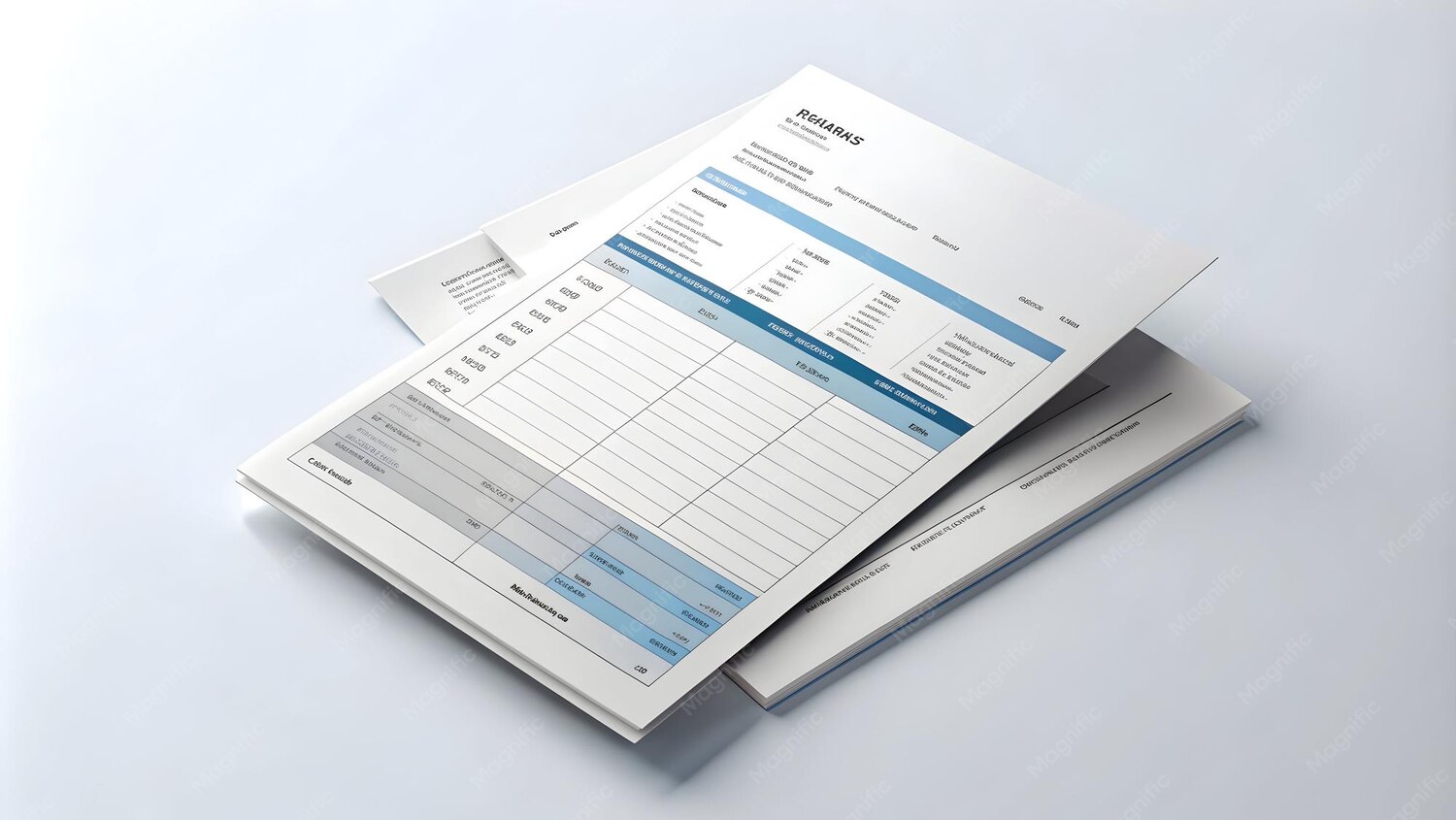
An invoice is often the most polished document a client ever sees from your business — and until now, every invoice generated by CWS Pocket Ledger looked the same for every business using it. That changes today. You can now choose between the standard Classic design and a new Modern template that carries your own logo, phone number, and business address instead.
Why this matters more than it seems
A client who receives a generic, unbranded invoice has no visual confirmation that it actually came from you — it could be mistaken for a template, forwarded incorrectly, or simply feel less official than a document with your logo sitting at the top. For a small business trying to look established, especially one competing for contracts against larger companies, that detail matters. It's the difference between a document that looks like software output and one that looks like it came from a real, specific business with an address and a phone number a client could actually call.
Two templates, one switch
Classic is the design CWS Pocket Ledger has always used, and it remains the default — if you do nothing, nothing changes for you. Modern is the new option: upload a logo, and optionally add a phone number and business address, and every invoice and payment receipt you generate afterward uses them automatically. You don't need to re-enter your details each time you create a new invoice; you set it once in your account settings and it applies everywhere.
Setting it up
Go to your account menu, open Settings, and scroll to the new Invoice & Receipt Branding card. Choose Modern, then upload a logo — JPG, PNG, or WEBP, up to 1 MB, which is more than enough for a crisp logo at invoice size. Add your business phone number and address if you'd like them to appear as well. Save, and you're done. The very next invoice or receipt you download will carry your branding, and so will every one after it.
If you change your mind later, switching back to Classic takes one click, and your uploaded logo and details are kept in case you switch to Modern again — you won't need to re-upload anything.
A feature that pays for itself in perception
Branding is one of those features that costs a business owner two minutes to set up and pays back every single time a client opens an invoice afterward. It's a small thing, individually — but a client who deals with a dozen small suppliers will notice, consciously or not, which ones look like they take their own business seriously.
Where to find it
Invoice & Receipt Branding is available to accounts on the Business plan, the same plan tier that unlocks Invoicing itself — so if you're already sending invoices through CWS Pocket Ledger, this feature is either already available to you or one upgrade away. Head to Settings to set it up, and give your next invoice a second look before you send it.