
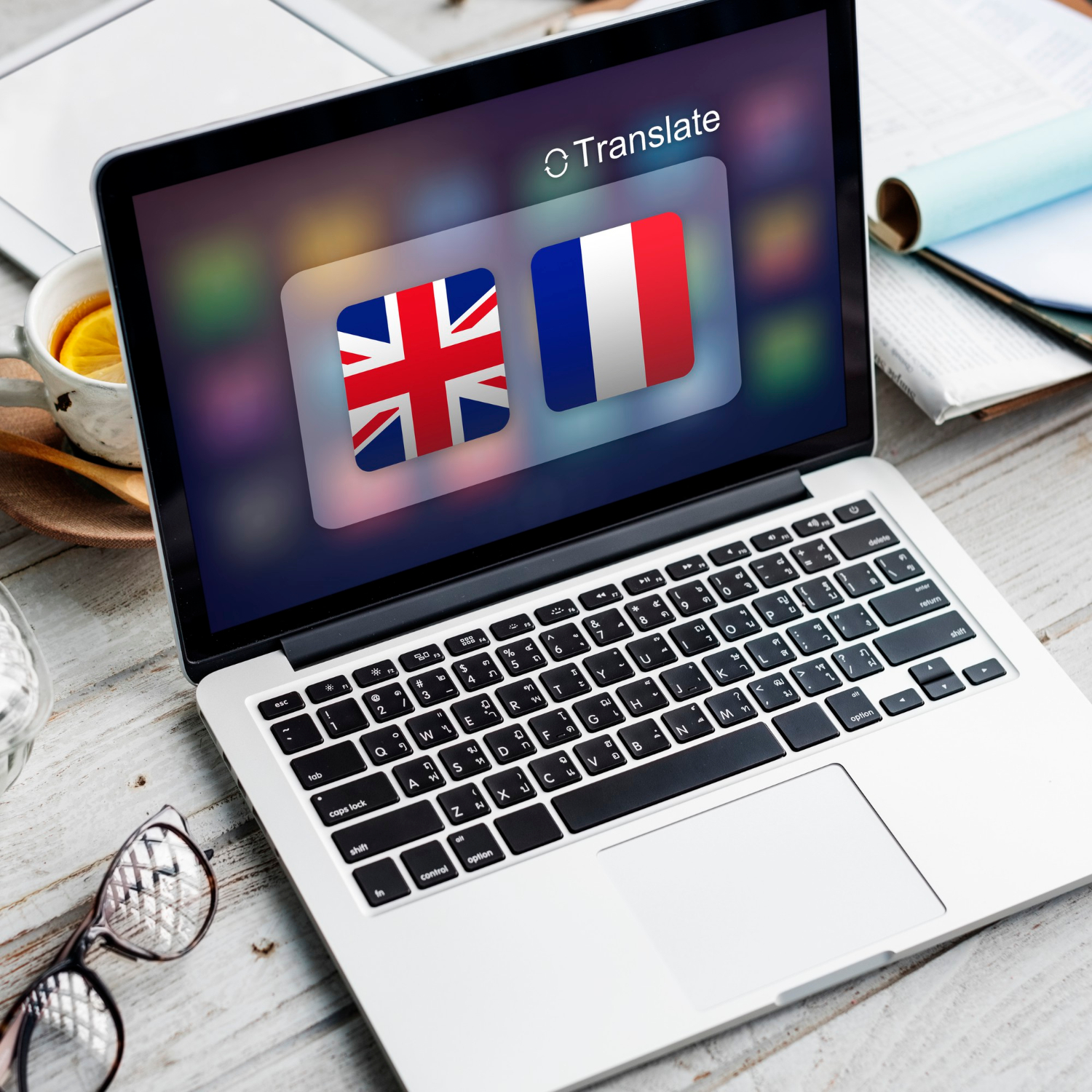
If your business does any work across Ghana's borders — buying from suppliers in Togo, selling to customers in Côte d'Ivoire, or simply employing staff who are more comfortable working in French — you've probably felt the small friction of using a finance tool that only speaks English. That friction is gone. CWS Pocket Ledger is now fully available in French.
Not just a translated menu
A lot of "multi-language" software really just translates a handful of buttons and labels, while every form, every report, and every generated document quietly stays in English. That's not what we built. Every screen in CWS Pocket Ledger — the dashboard, wallets, transactions, invoices, budgets, payroll, MoMo Agent, Forex Trading, reports, and every edit form in between — has been translated. The invoices and payment receipts you generate as PDFs are translated too, since those are documents your clients see, not just internal screens you use yourself.
This matters more than it sounds. A finance app that's translated everywhere except the one PDF you hand to a client isn't really bilingual — it just looks bilingual until the moment it counts.
How to switch
If you already have an account, go to your account menu and open Settings. In the same card where you set your currency and date format, you'll find a Language dropdown with English and Français. Pick one and save — the change applies immediately, everywhere in the app.
If you're setting up a brand-new account, the same choice appears on the very first step of the onboarding wizard. Pick French there and the rest of the setup — adding your first wallet, choosing your starting categories — continues in French from that point on, before you've even finished creating your account.
One thing worth knowing
This in-app language setting is separate from any translation widget your web browser or a site plugin might offer. Browser-based translation tools scan and rewrite a page after it loads, which can be unreliable on pages with a lot of interactive elements — dropdowns, live totals, pop-up forms — since it's translating something that's still changing underneath it. CWS Pocket Ledger's French isn't a browser overlay; it's built into the app itself, so every dropdown option, every validation message, and every number label is genuinely French, not guessed at after the fact.
What's next
French is the first additional language we've shipped, and the app was built with more in mind — the underlying structure supports adding further languages without reworking the whole product. If there's a language your team or your clients would benefit from, we'd like to hear about it.
To switch your account to French, log in and head to Settings. It takes less than a minute, and nothing else about how you use the app changes — your data, your wallets, and your reports are exactly where you left them.