
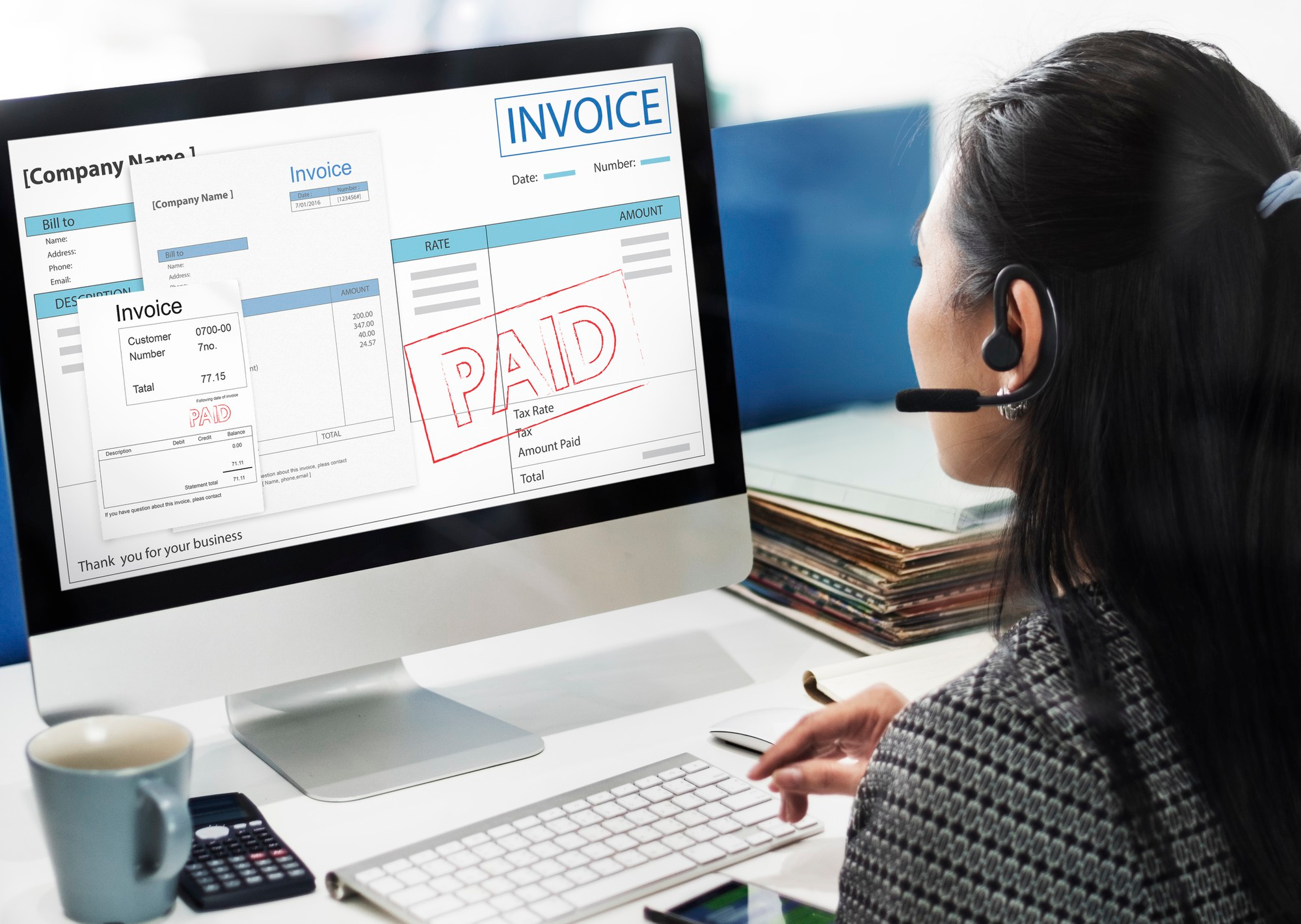
Getting paid on time is rarely just a matter of doing good work — it's often a matter of how clearly and how professionally you ask to be paid in the first place. A vague WhatsApp message with a total scrawled at the end invites a vague, delayed response. A proper invoice, with clear terms and a due date, sets an expectation from the start. Here's a practical walkthrough of doing that well.
Start with the details that prevent disputes
Every invoice should clearly state who it's for, what was delivered, the quantity and unit price of each item, and the total due. This isn't just formality — it's what protects you if a client later questions what they were charged for. In CWS Pocket Ledger, creating an invoice walks you through exactly this: select or add the client, add line items with descriptions and prices, and the subtotal, tax, and total calculate themselves as you go.
Set a due date, and mean it
An invoice with no due date is, in practice, an invoice with no deadline. Set one — 7, 14, or 30 days depending on your usual terms — and put it in writing in the Terms & Conditions field, even if it's a single line like "Payment due within 30 days." Clients who intend to pay promptly aren't inconvenienced by this. Clients who don't are exactly the ones a clear due date protects you against.
Send it properly, not as an afterthought
How an invoice arrives affects how seriously it's taken. A PDF invoice, sent by email with your business name and contact details on it, reads as a formal request. A message sent alongside ten other WhatsApp texts about unrelated things does not. If you've set up Invoice & Receipt Branding with your own logo, this effect is even stronger — the client is looking at a proper business document, not a generic one.
Follow up before it's overdue, not after
The best time to follow up on an invoice is a day or two before it's due, not a week after. A short, polite reminder — "just checking this is still on track for Friday" — reads as organized rather than pushy, and it gives a client room to flag a problem early rather than going quiet. If a payment does become overdue, CWS Pocket Ledger can send that reminder to the client automatically, so the follow-up happens without you needing to remember to send it.
Make partial payments easy to record, not awkward
Not every invoice gets paid in one transaction — deposits, installments, and partial payments on larger jobs are normal, especially for project-based or contract work. When a client pays part of what's owed, record exactly that amount rather than waiting until the full total arrives. The invoice will show as Partially Paid, tracking what's been paid and what remains, so neither you nor the client loses track of the balance across multiple payments.
Keep proof of payment on hand
Once an invoice is fully paid, download the payment receipt and keep it — for your own records, and to send to the client as confirmation if they ask for one. A client who has a clean paper trail of what they were charged and what they paid is a client with fewer reasons to dispute an invoice later, and one more likely to work with you again.
The pattern that gets you paid faster
None of this is complicated on its own — clear line items, a real due date, professional delivery, and timely follow-up. What makes it work is doing all of it consistently, every time, so that being paid on time becomes the client's expectation of working with you rather than an exception.